A great gaming setup isn't about buying the most expensive gear—it's about making deliberate choices at each layer, from the desk itself up to the lighting in the room. Whether you're building your first setup or refreshing one that's a few years old, this guide walks through the decisions that actually make a difference.
Start With the Foundation: Desk and Chair
Everything else in your setup depends on getting the foundation right. A desk with enough depth to comfortably fit your monitor at arm's length, plus room for a keyboard and mouse without crowding, prevents the cramped feeling that ruins long sessions. If you can, choose a desk height that lets your elbows rest at roughly a 90-degree angle when typing. A supportive chair with adjustable height and lumbar support matters just as much as any peripheral—it's the one piece of gear you're in contact with for the entire session.
Choosing Your Core Peripherals
A mechanical keyboard with hot-swappable switches lets you tune the feel of every keystroke to your preference without buying a whole new board later. Look for a sturdy aluminum plate for stability during intense inputs, plus per-key lighting if you like to customize the look of your desk. On the mouse side, prioritize a shape that matches your grip style and a sensor with enough DPI headroom for the games you play most—competitive shooters benefit from precision and low latency, while general use favors comfort over raw specs.
Display and Viewing Comfort
Your monitor should sit with the top of the screen roughly at eye level, about an arm's length away, to avoid neck strain during long sessions. Beyond size, refresh rate matters more than most people expect if you play fast-paced games—smoother motion reduces eye fatigue even if you don't consciously notice the difference. A monitor arm frees up desk space and makes it easy to fine-tune height and angle once you've found your ideal position.
Audio That Pulls You Into the Game
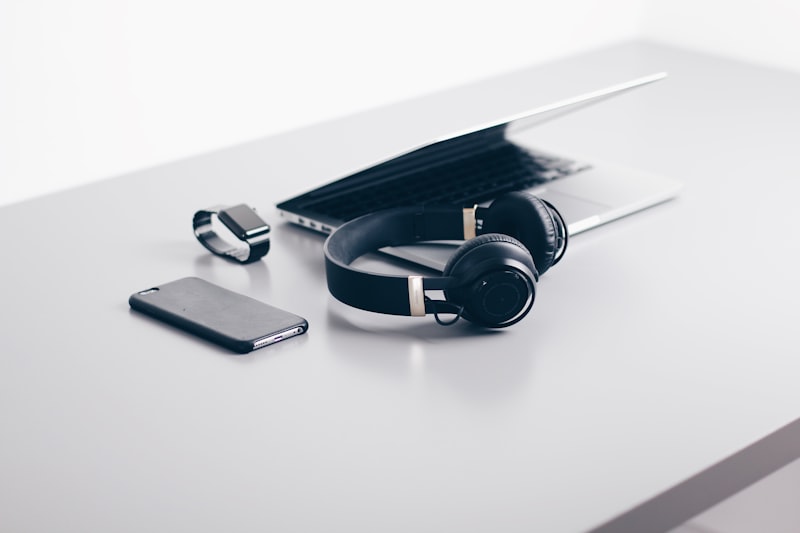
Whether you prefer headphones or desktop speakers depends heavily on your living situation, but either way, positional audio quality matters for competitive games where hearing footsteps or directional cues gives you an edge. If you share a space with others, a comfortable pair of headphones with a clear microphone keeps both your gameplay and your household happy.
Taming the Cable Chaos
Cable clutter is one of the fastest ways to make an otherwise great setup feel messy. Under-desk cable trays, adhesive clips, and a power strip mounted out of sight go a long way toward a clean look. Route cables along desk legs rather than letting them hang in open air, and label anything you might need to unplug later so cable management doesn't turn into an archaeology project.
Lighting and Ambiance
RGB lighting is more than decoration—bias lighting behind your monitor reduces eye strain by softening the contrast between a bright screen and a dark room. Keep your primary lighting consistent rather than constantly cycling colors during gameplay, and save the more dramatic lighting profiles for casual browsing or content creation sessions.
Power and Charging Stations
If your setup includes wireless peripherals, controllers, or a phone you keep nearby, a small charging station or dedicated USB hub keeps everything topped up without a mess of adapters plugged into a single outlet. A surge-protected power strip is worth the small investment to protect the rest of your gear.
Personalize Without Overdoing It
The best setups reflect how you actually use the space—minimal for focus, expressive for creativity, or somewhere in between. Add personal touches gradually: a favorite piece of art, a small plant, or a figure from a game you love. Function should come first, but a setup that feels like yours is one you'll actually enjoy sitting down at every day.
Final Thoughts
Building a great gaming desk setup is a series of small, intentional choices rather than one big purchase. Start with comfort, layer in the peripherals that match how you play, and clean up the details—cables, lighting, power—once the core pieces are in place. The result is a space that feels good to use for hours at a time, session after session.
Upgrade your battlestation
Shop mechanical keyboards, ergonomic mice, and gaming gear built for long sessions.
Shop Gaming Gear